Breville Barista Touch Grind Settings Explained
Master the built-in conical burr grinder on the Barista Touch espresso machine with precise grind size adjustment techniques
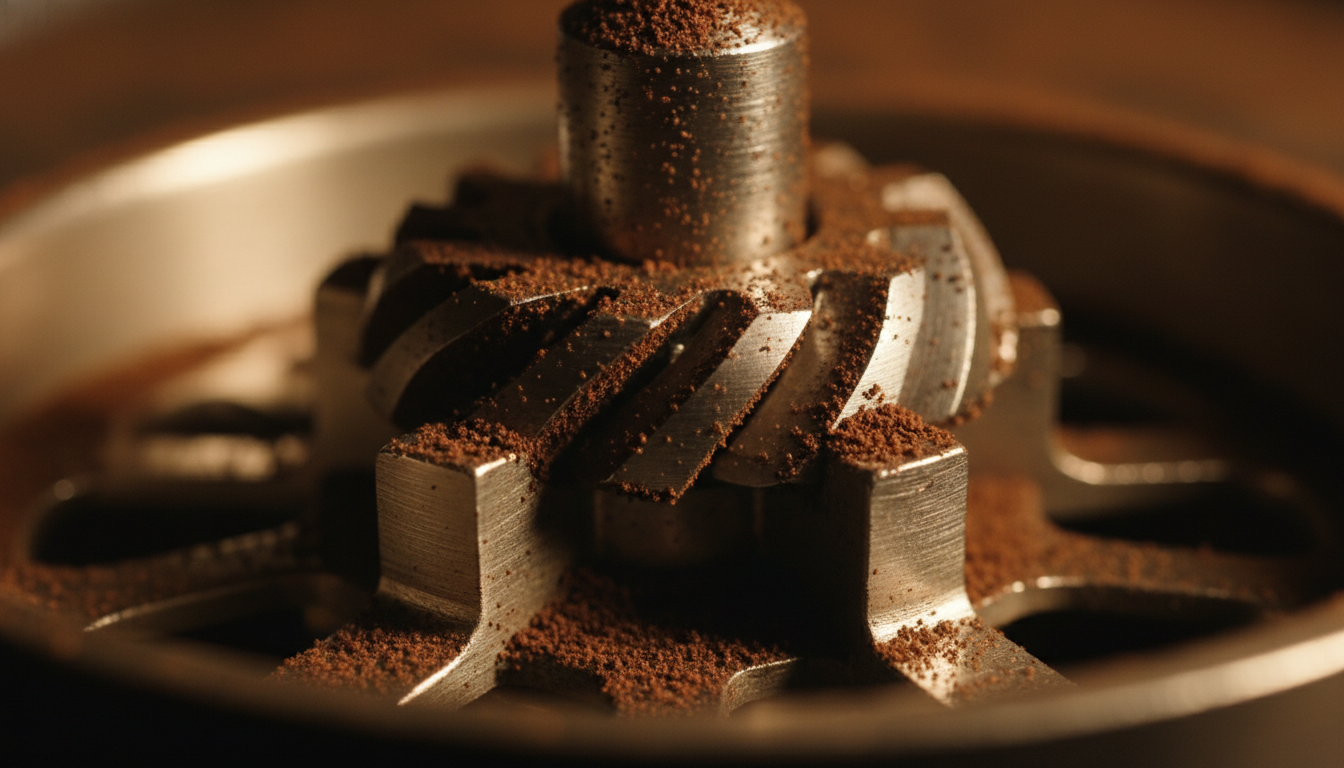
Illustration of conical burr grinding surfaces
Quick Answer
The Breville Barista Touch features 30 grind settings (1-30), with 14 suggested by Breville as an initial espresso setting. The built-in conical burr grinder integrates with the touchscreen interface for grind-by-time dosing. Adjust grind size finer for slower extraction, coarser for faster flow.
Barista Touch BES880: Start at 14, Then Dial In
This guide covers the Barista Touch BES880, not the Touch Impress. Breville’s setup tutorial describes 30 grind levels and suggests 14 as a starting point. The final number depends on beans, basket, dose and internal burr position; a setting is not a promised grind size or shot duration.
Breville: how to adjust Barista Touch grind size is the source for the starting suggestion. Check your exact model manual if the controls differ.
Espresso Starting Point: Dial-In Process
- Choose the basket and a dose within its specified capacity. Start at the manufacturer’s suggested 14 if you have no working recipe.
- Weigh the actual ground dose, distribute and tamp level. Choose and weigh the beverage yield.
- Record setting, dose, yield, time and taste. Keep the recipe stable while comparing.
- If flow is fast and the result thin or sour, try a small move finer. If it chokes, check dose and try a small move coarser.
- Reweigh the dose after a grind change and adjust the timed dose as necessary. Do not change dose, yield and grind together.
Bean age and roast can affect the result, but they do not prescribe a universal number. Uneven flow may be a preparation problem; sourness or bitterness alone does not identify a single grinder fault.
Touchscreen Integration & Grind Control
Digital Grind Interface
Barista Touch Interface: The touchscreen display provides digital control over grind time settings while the physical side dial controls grind size. This dual-control system separates dosing (time-based) from particle size adjustment.
Interface Components
Touchscreen Controls (Grind Time): Adjust grind duration → Check the resulting dose with a scale
Physical Dial (Grind Size): 30-step adjustment from 1-30 → Controls particle size distribution
Programmable Presets: Save grind time settings for different drink profiles → Recall with single touch
Grind-by-Time vs Grind-by-Weight
The BES880 Barista Touch uses timed dosing. A saved time does not guarantee the same dose after changing grind, beans or hopper conditions. Weigh the grounds to see what the timer is actually delivering.
After a grind adjustment: Weigh the next dose and alter the grind duration only as needed to return to your chosen dose. There is no fixed half-second or one-second correction that works for every coffee.
Save your own working time: Once the weighed dose is repeatable, record the timer alongside the grind number and beans. Recheck it with a new bag rather than copying a seconds-to-grams table.
Grinder Cleaning and Maintenance
Follow the BES880 instruction manual for hopper and burr cleaning, safe disassembly and reassembly. Let cleaned parts dry completely before returning them to service. Do not add cleaning products unless the matching manual permits them.
If performance changes, check for old grounds, obstruction, incorrect assembly and coffee changes before assuming worn burrs. This guide does not claim a measured retention amount or a fixed burr replacement lifetime.
When to Consider a Standalone Grinder
First establish whether you can repeat your chosen dose and recipe with the built-in grinder. If the useful recipe falls between adjacent grind positions, a small dose or yield adjustment may help; change one variable at a time.
A separate grinder adds cost and counter space. Compare specific models for adjustment control, workflow and supported brew methods rather than assuming every standalone grinder is faster, more consistent or lower-retention. Do not map the Touch’s remaining numbers to guaranteed pour-over or French press ranges.
Related Content & Deep Dives
Barista Touch vs Barista Pro
Compare the two machine workflows and features.
Espresso Dial-In Complete Guide
Master the systematic approach to adjusting grind, dose, and yield for perfect espresso extraction.
Espresso Grind Size Guide
Understand particle size distribution and how grind affects extraction rate and flavor development.
Conical vs Flat Burr Grinders
Compare burr designs and buying considerations.
Frequently Asked Questions
What grind setting should I use for espresso on the Barista Touch?
Breville suggests starting at 14 on the BES880 Barista Touch’s 30-setting grinder. Use that as an initial reference, then adjust from measured dose, yield, flow and taste. Touch Impress instructions are separate.
How do I adjust grind size on the Barista Touch?
Use the physical side dial for grind size and the touchscreen for grind duration. Follow the exact model’s adjustment procedure, make small changes, and reweigh the dose before comparing the next shot.
Why does my shot run too fast or too slow?
The grind may be too coarse for fast flow or too fine for choking, but dose and puck preparation also matter. Hold dose and yield steady, correct uneven preparation and make a small grind change before evaluating again.
Can the Barista Touch grinder handle pour-over or French press?
The number scale is not a verified brew-method chart. If experimenting with a different brewer, follow its recipe and judge the result rather than assuming a fixed Touch range will work. A separate filter grinder may be worth comparing if you switch methods often.
How often should I clean the Barista Touch grinder?
Follow the cleaning procedure in the matching BES880 manual and respond to buildup or abnormal operation. Avoid an invented calendar for burr replacement or unsupported cleaning additives.
Keep Grind Size and Dose Separate
For the BES880 Barista Touch, begin with the manufacturer’s suggested 14 if needed, then adjust the physical dial from the shot result. Use a scale to check timed dosing after each grind or bean change. Save a working recipe rather than a presumed universal number.