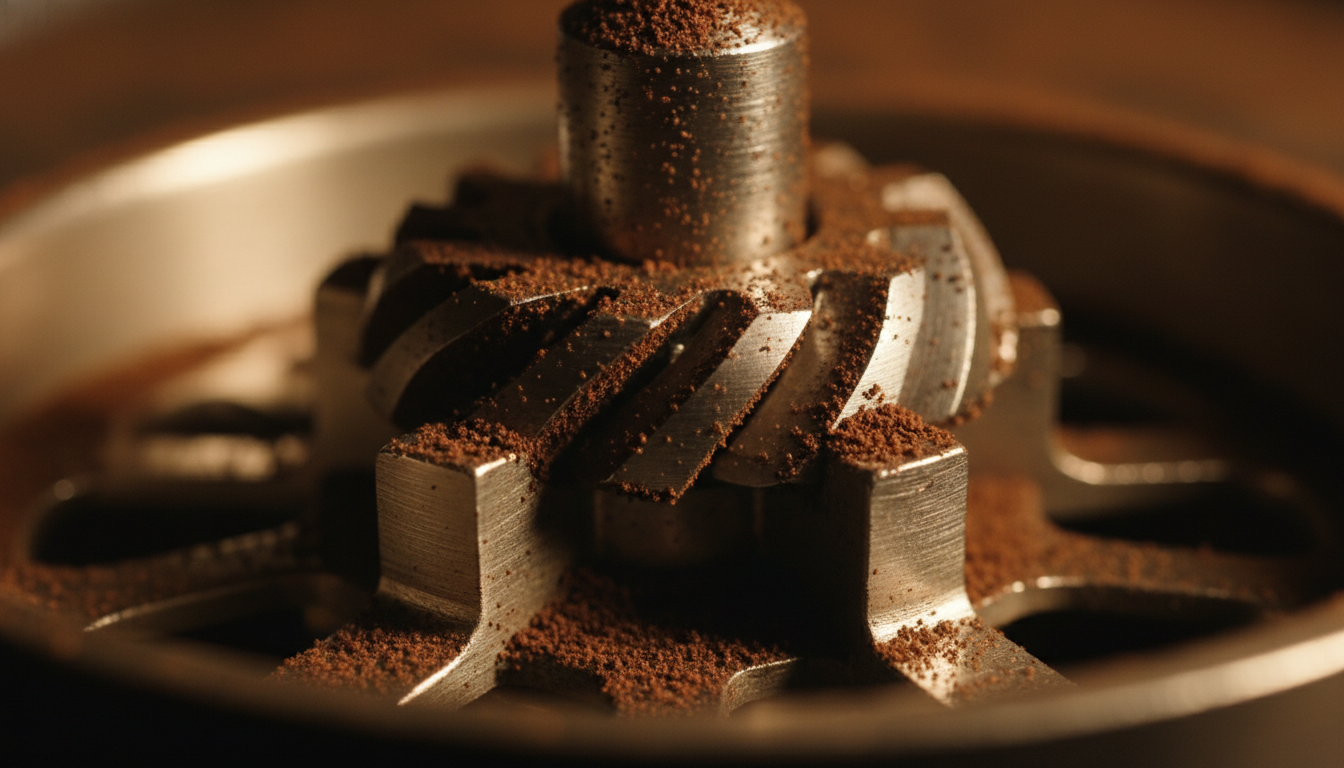
Grind Settings
Breville Barista Pro Grind Settings
The BES878 Barista Pro's 30 grind settings and how to dial in by number.
⏱ 15 MIN READ
READ Grind Settings →
The best starting grind setting for the Breville Barista Express Impress (BES876) is 16 on its 25-setting dial, per Breville's manual. Every grind change also shifts the Impress auto dose, so dial in the grind and the dose level together.
The Barista Express Impress GRIND SIZE dial has 25 settings, and the BES876 instruction book recommends starting at No. 16. Smaller numbers grind finer and larger numbers grind coarser. Turning the dial toward the back of the machine goes finer; turning it toward the front goes coarser. Breville's grind size tutorial describes the same 25-setting dial.
Setting 16 is a starting point, not a final answer. Bean freshness, roast and the internal upper burr position all move the Barista Express Impress's useful number. This guide is compiled from Breville's documentation, not hands-on measurements.
The Barista Express Impress doses by grind time, and its intelligent dosing calculates the next dose from the last tamp reading. According to the BES876 manual, a new auto dosing time is calculated after your next tamp and applied to the dose cycle after that.
To use a fixed grind time or reset the machine's learned dose after changing beans or baskets, see the guide to Barista Express Impress manual dose vs automatic dose.
After the assisted tamp (a 10 kg impression with a 7-degree twist, per Breville), the Barista Express Impress dose level gauge shows one of five readings. The middle bar is the target.
| Reading | What it means | What to do |
|---|---|---|
| Ideal (middle bar) | The right amount of ground coffee is in the basket | Brew. The machine keeps the current auto dose time. |
| Under dose (below the middle bar) | Too little coffee, common after grinding finer or opening fresh beans | The DOSE button flashes. Press DOSE for 'A Bit More', then tamp again for a new reading. |
| Severe under dose | Well short of the ideal level | Use 'A Bit More' or a dose top-up; a top-up can take 2 to 3 cycles to reach the ideal level. |
| Over dose (above the middle bar) | Too much coffee, common after grinding coarser | Remove the portafilter and trim with the Razor tool. The machine shortens the auto grind time for the next cycle. |
| Severe over dose | Well above the ideal level | Trim with the Razor tool. Before the next coarser grind, hold FILTER for 3 seconds to cut 3 seconds of grind time. |
If the dose level still reads above or below the middle bar after a grind change, see our guide to Barista Express Impress dose lights for every reading and recovery step. If the dose level gauge reads oddly because grinds are stuck on the tamp or the lever feels stiff, follow our guide to cleaning the Barista Express Impress tamping system before you change the grind.
Breville's BES876 manual recommends No. 16 as the starting setting on the 25-setting dial. Lower numbers are finer; higher numbers are coarser.
Tip: Use the single-wall 2 CUP basket (16-19 g) with fresh whole beans.
Press FILTER to choose single or double, seat the portafilter in the grinding cradle, and press DOSE. Auto mode is the default dosing mode on the Barista Express Impress.
Tip: If DOSE is not lit, check the portafilter seating, the hopper lock, and that the tamp lever is up.
Pull the assisted tamp lever down until it beeps, then release it slowly. Breville suggests tamping twice for a more polished puck. Correct any under or over dose before brewing.
Tip: The dose level reading is what teaches the machine the next auto dose time.
Breville's extraction guide targets 25-30 seconds for a balanced shot, with first flow after about 8-12 seconds. Taste matters more than the clock.
Tip: Keep beans, basket and dose steady while you judge the grind.
After each grind change, the new auto dosing time is calculated after your next tamp and applied to the dose cycle after that. Expect one correction shot per change.
Tip: Going coarser? Hold FILTER for 3 seconds first to pre-empt an over dose.
Breville's extraction guide for the BES876 pairs an optimum dose (8-11 g single, 16-19 g double) with a 25-30 second shot. Espresso should start flowing after about 8-12 seconds and look like dripping honey.
Change one variable at a time. For broader diagnosis, see the espresso troubleshooting guide and how to dial in espresso.
The Barista Express Impress has an adjustable upper burr that extends the grind range when the 25 external settings are not enough. If shots still run fast near setting 1, or still choke near 25 with a correct dose, the BES876 manual procedure applies: empty the hopper, run the grinder empty, remove the upper burr, move it one number coarser or finer, refit and lock it, then check the extraction. Breville recommends only one adjustment at a time. Reset the auto dose time afterward, since the grind has changed.
The Barista Express Impress procedure above applies only to the BES876. The standard Barista Express has no dose level gauge or assisted tamp, so its grind workflow is covered separately in the Barista Express grind settings guide. The Barista Touch Impress runs dosing through a touchscreen and uses its own grinder range; see the Barista Touch Impress review. Grind numbers do not transfer between these machines. For the BES878 Barista Pro's 30-setting dial, see the Breville Barista Pro grind settings guide.
Breville recommends starting the Barista Express Impress (BES876) at grind setting 16 of 25, then adjusting by shot time and taste. The best final number depends on your beans, their freshness and the upper burr position.
The Barista Express Impress GRIND SIZE dial has 25 settings. Turning the dial toward the back of the machine grinds finer; turning it toward the front grinds coarser.
Finer grinding delivers less coffee in the same auto grind time, so the Barista Express Impress may show an under dose and ask for 'A Bit More'. The machine recalculates the auto dose time after the next tamp.
Before grinding, press and hold the FILTER button for 3 seconds. The Barista Express Impress then reduces the grind time by three seconds. If the puck is still over, trim it with the Razor tool.
No. The standard Barista Express, the Barista Touch Impress and the Barista Express Impress have different grinder ranges and controls, so their setting numbers do not transfer. Use the BES876 manual's starting point of 16.
The BES878 Barista Pro's 30 grind settings and how to dial in by number.
Grind settings for the standard Barista Express, without Impress dosing.
Touchscreen grind and dose controls on the Barista Touch.
Fix sour, bitter, fast and choking shots.